Nolira Desk
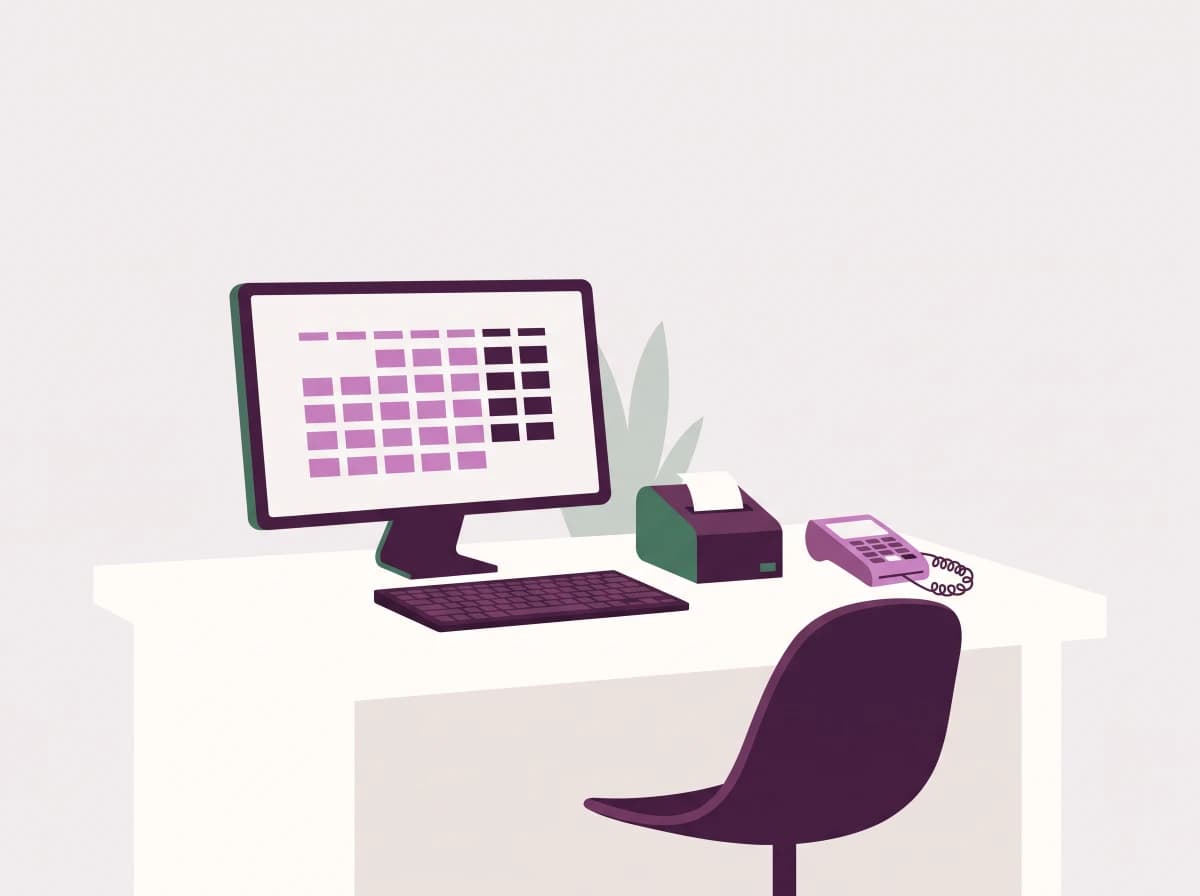
Desk is where the business actually runs. It is dense, keyboard-first and built for a receptionist who has a client in front of her and a phone ringing. It also keeps working when the connection does not.
For Receptionists, cashiers, branch managers and HQ operations
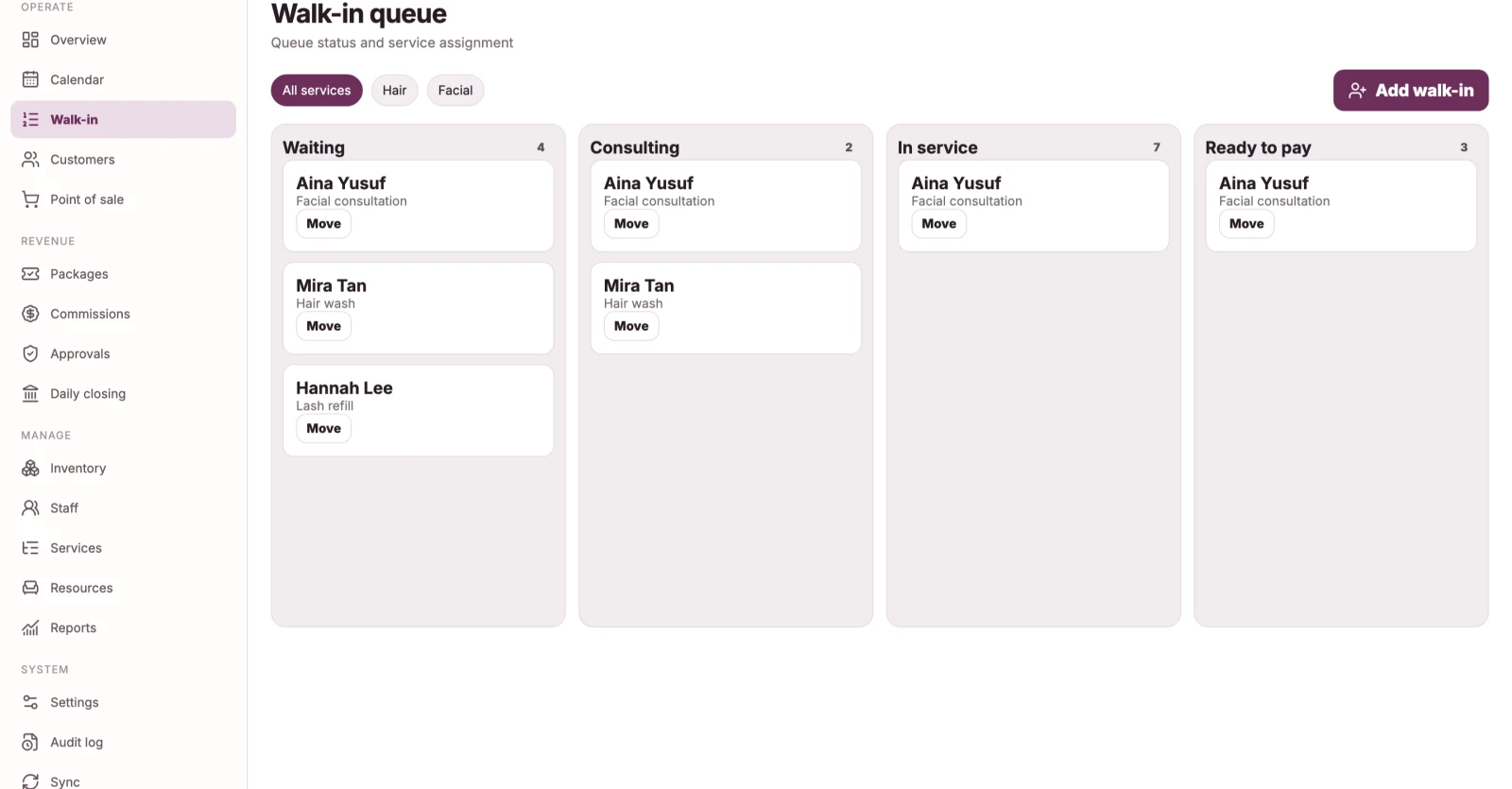
Built for the counter, not the boardroom
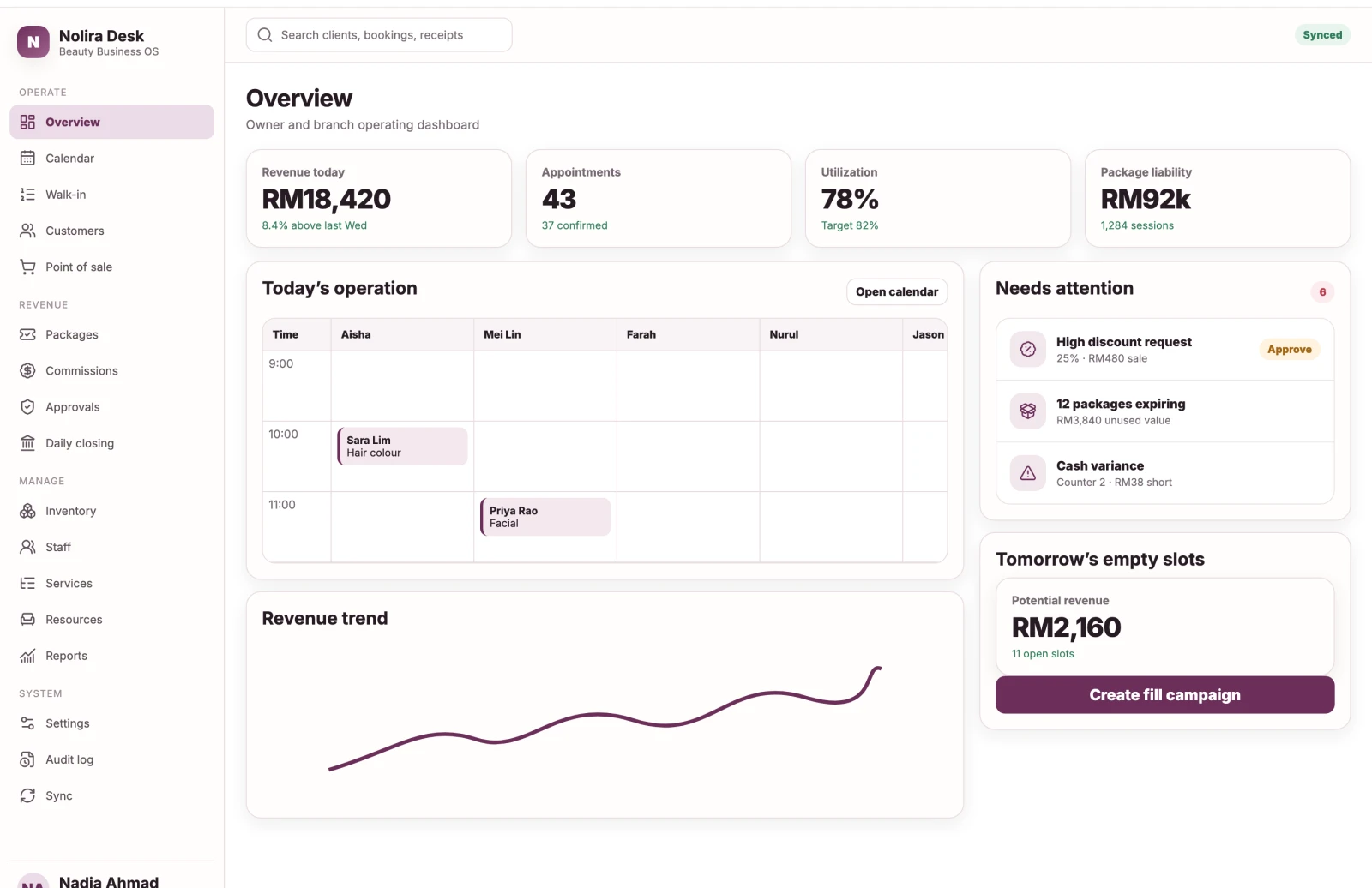
Front desk work is repetitive and time-critical. Desk is optimised for speed rather than for looking impressive in a screenshot.
- Keyboard-complete for every critical flow, so hands stay off the mouse
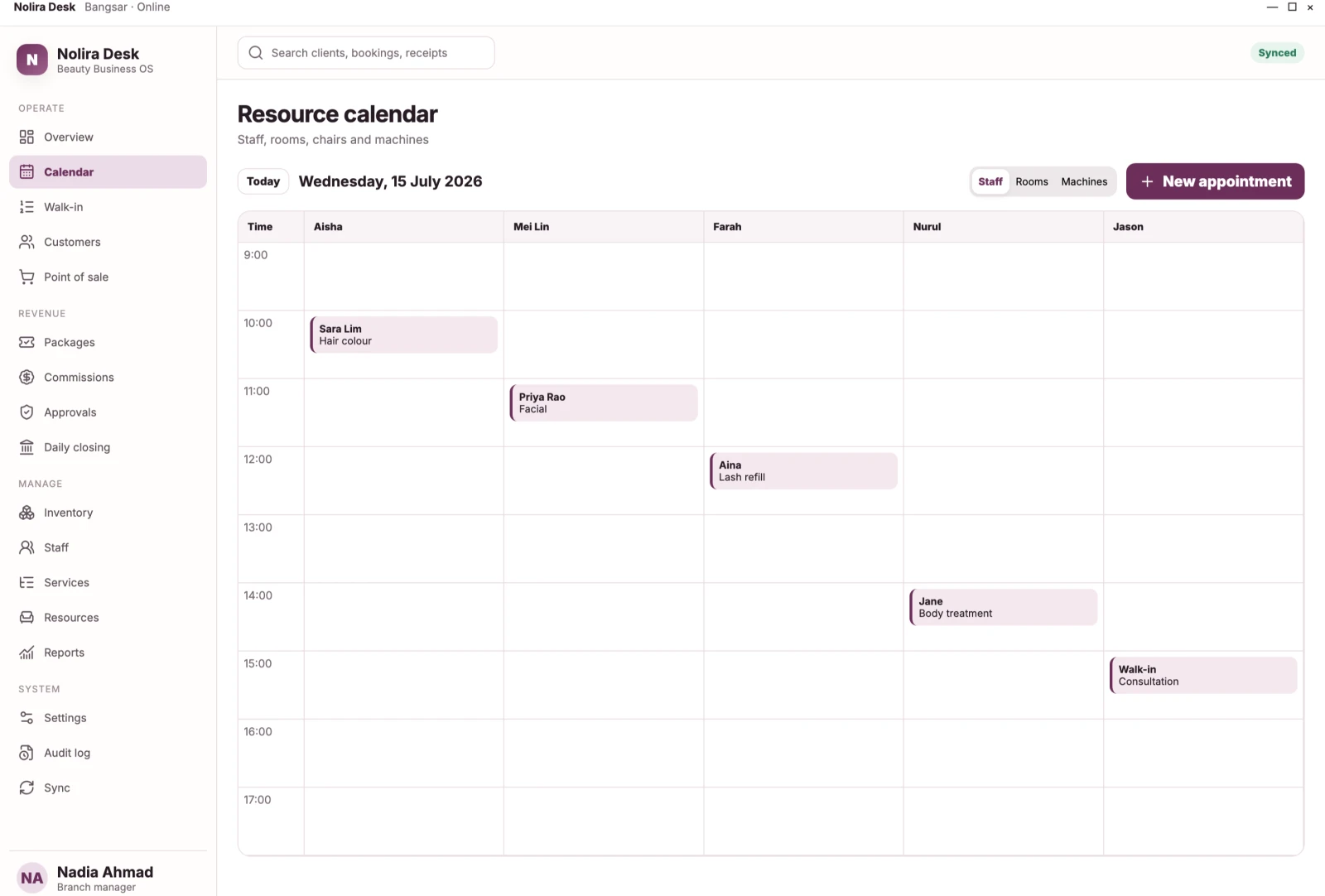
- Resource timeline with lanes for staff, rooms, chairs and machines
- Drag to reschedule with a conflict preview before anything commits
- Global search across clients, bookings and receipts
- Right-click menus and a command bar for power users
Money handled properly
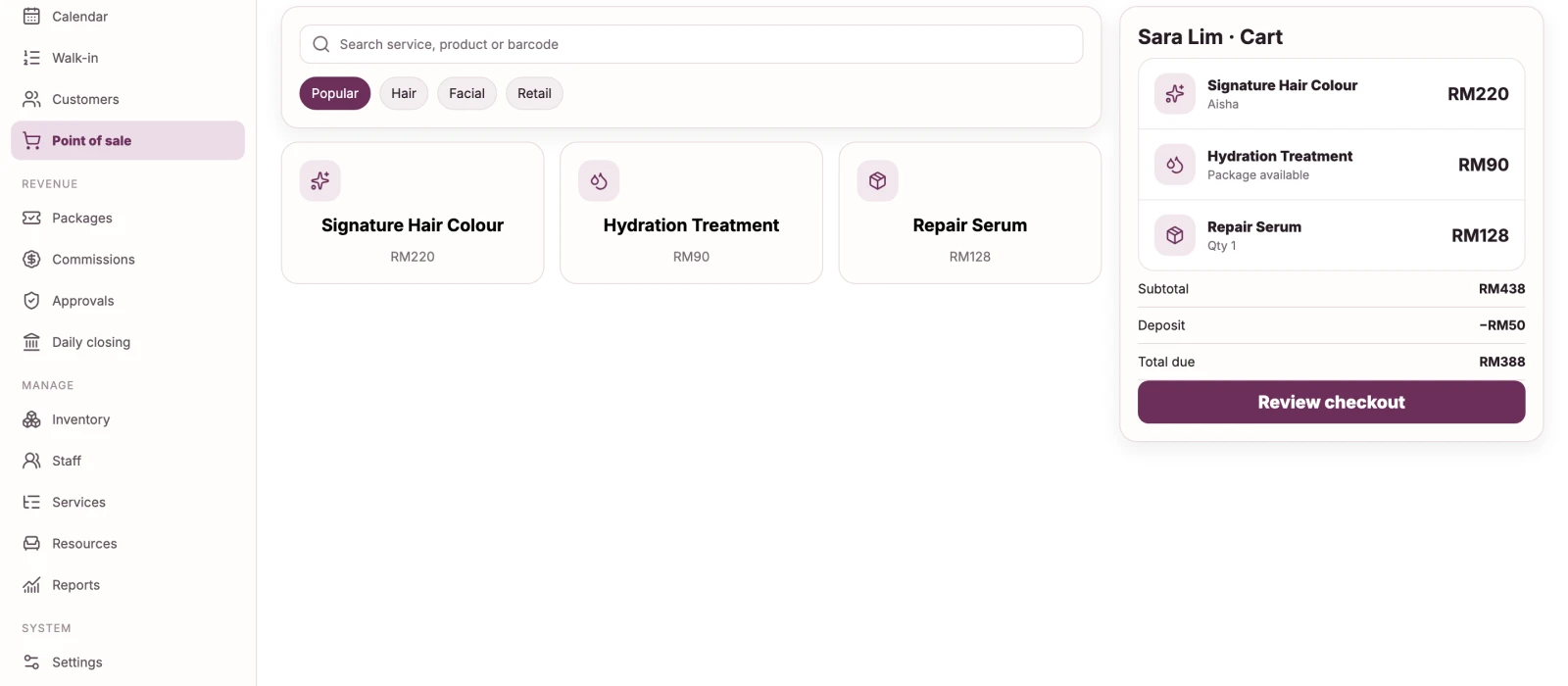
Checkout is the moment where errors become expensive. Desk treats a finalized sale as a permanent record and handles corrections as compensating transactions.
- Cash, card, QR, bank transfer, deposit and package redemption on one sale
- Split payment across any combination of methods
- Discounts with reason codes, permission limits and approval requests
- Cash session with opening float, blind count and variance approval
- Receipt printing through standard Windows printing, with manual fallback
Keeps running when the line drops
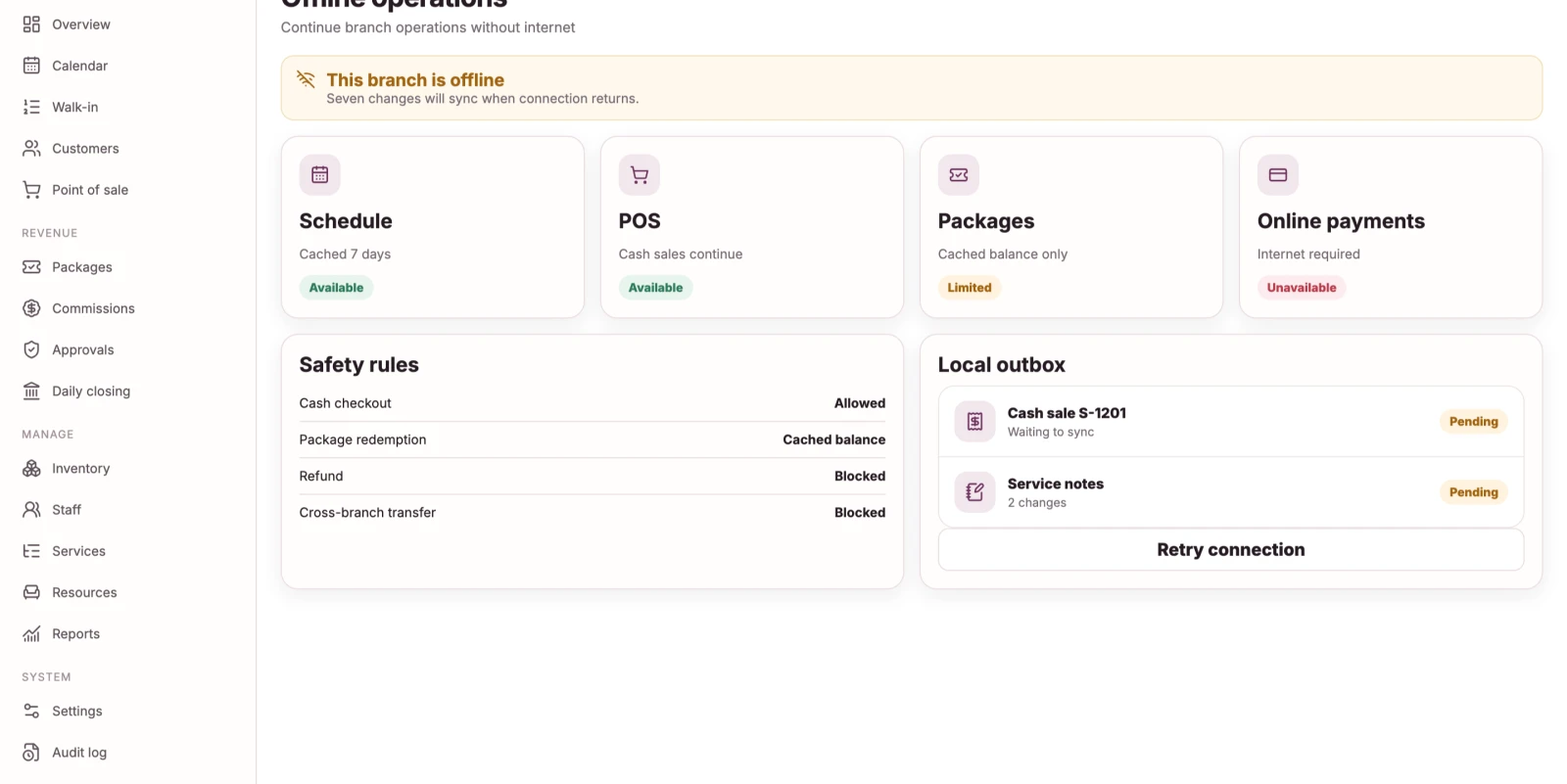
Desk holds a local database at the branch. Offline is a defined operating mode with explicit limits, not a partial copy of the cloud.
- Bookings, walk-ins, service completion and normal checkout continue offline
- Every change enters a local outbox with a stable identifier
- Sync uploads in dependency order with duplicate protection
- Conflicts are surfaced for a human rather than resolved silently
- High-risk actions stay online-only on purpose
Specifications
- Platform
- Windows, native WPF application
- Distribution
- Microsoft Store, signed MSIX
- Minimum display
- 1366 × 768, optimised for 1920 × 1080
- Local storage
- Encrypted local database for offline mode
- Peripherals
- Receipt printer, barcode scanner, cash drawer
- Accessibility
- Keyboard complete, screen reader labels, high contrast
What it deliberately is not
Scope is a design decision. Knowing what a product refuses to do is usually more useful than another feature list.
- It is not a general accounting or payroll system
- It does not store medical diagnoses or clinical records
- It is not a customer-facing application
See Nolira Desk on your own data.
A demo takes about 30 minutes and uses your bookings, packages and commission rules rather than a canned dataset.